
जब आप Google पर कोई भी keyword search करते हैं, तो कुछ seconds के अंदर आपको हजारों results मिल जाते हैं। क्या आपने कभी सोचा है कि Google को ये सारे pages का content कैसे पता चलता है?
इसका जवाब है — Web Crawling 🤖
- Web Crawling एक ऐसी automated process है जिसमें search engines internet के billions of pages को visit करते हैं, analyze करते हैं और उनकी जानकारी अपने database में store करते हैं। यही process websites को Google, Bing या Yahoo के search results में दिखाने में मदद करता है।
Web Crawling को समझना हर SEO expert, blogger और website owner के लिए बहुत जरूरी है, क्योंकि जब तक Google आपके pages को crawl नहीं करेगा, तब तक वो index नहीं होंगे — और index नहीं हुए pages कभी rank नहीं कर सकते।
इसलिए कहा जाता है:
👉 “Crawling is the first step to Ranking.” 📈
🧩 Crawling शब्द का मतलब क्या है?
“Crawling” शब्द English के “Crawl” से लिया गया है, जिसका मतलब होता है “रेंगना” या “धीरे-धीरे चलना”।
Internet की दुनिया में, Crawling का मतलब है किसी website के pages पर एक automated software का visit करना और वहां मौजूद links, text, images और meta data को पढ़ना।
जैसे एक इंसान वेबसाइट पर manually pages देखता है, वैसे ही Web Crawler (या Bot) automated तरीके से pages explore करता है।
उदाहरण के लिए, अगर आपकी site पर 1000 articles हैं, तो crawler एक-एक page visit करेगा, links follow करेगा और फिर उस data को Google के servers में भेज देगा ताकि उसे index किया जा सके।
🤖 Web Crawler कौन होते हैं?
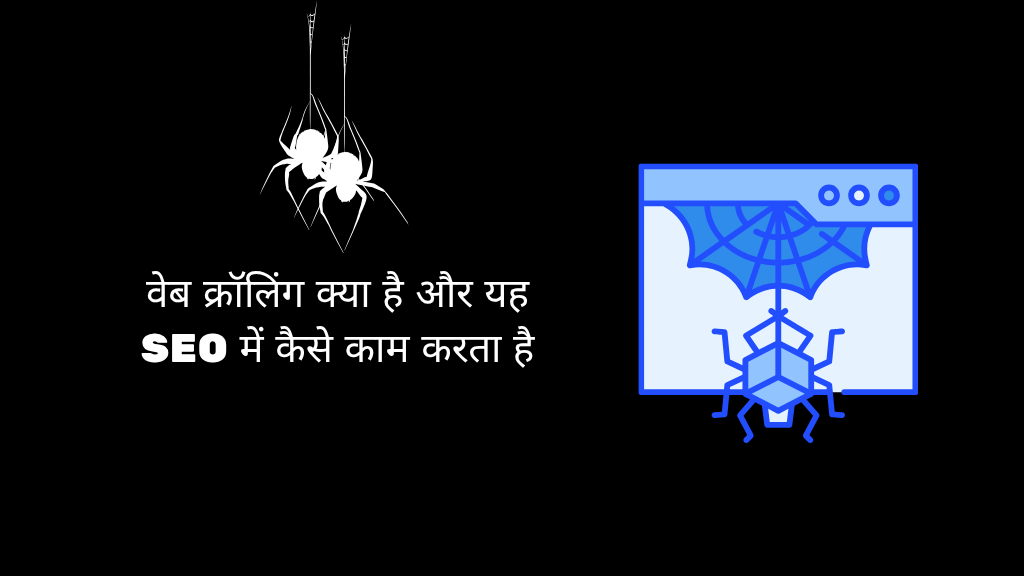
Web Crawler (जिसे Spider या Bot भी कहा जाता है) एक automated computer program होता है जिसे search engines websites explore करने के लिए use करते हैं।
Google का crawler Googlebot, Bing का Bingbot और Yahoo का Slurp Bot कहलाता है।
ये bots websites को “visit” करते हैं, उनके HTML structure को पढ़ते हैं और देखतें हैं कि page accessible है या नहीं।
अगर कोई page robots.txt file में block नहीं किया गया है और उसमें canonical errors नहीं हैं, तो crawler उसे index करने के लिए queue में डाल देता है।
📘 Example:
जब आप नया blog publish करते हैं, तो Googlebot आपकी sitemap या internal links से उस post का URL ढूँढता है, फिर उसे crawl करता है ताकि उसे search results में दिखाया जा सके।
🕰️ Web Crawling का इतिहास (History of Web Crawling in Hindi)
Web Crawling का concept 1993 में पहली बार सामने आया जब World Wide Web Wanderer नामक पहला crawler बनाया गया था।
उस समय internet पर केवल कुछ हजार websites थीं, लेकिन जैसे-जैसे internet बढ़ता गया, search engines को एक efficient system की जरूरत पड़ी ताकि वो billions of web pages को manage कर सकें।
1996 में Google के founders Larry Page और Sergey Brin ने BackRub नाम का crawler बनाया, जो बाद में Google Search बना।
इसने link-based crawling system का उपयोग किया, यानी कौन सा page किन links से जुड़ा है।
यही concept बाद में Google के PageRank algorithm की नींव बना।
आज web crawling इतनी advanced हो चुकी है कि Google के bots AI और machine learning का इस्तेमाल करते हैं ताकि वो pages की quality, relevance और authority समझ सकें।
📍 Web Crawling का यूज़ कहाँ होता है?
Web Crawling सिर्फ search engines तक सीमित नहीं है।
आज के समय में इसका उपयोग कई industries में किया जा रहा है:
- 🔍 Search Engines: Websites को crawl और index करने के लिए।
- 🛒 E-commerce: Competitor pricing और product data निकालने के लिए।
- 📚 Research Institutions: Data analysis और trends जानने के लिए।
- 📕 Business Intelligence: Market insights पाने के लिए।
- 📰 News Aggregators: अलग-अलग news sources से articles collect करने के लिए।
💡 Web Crawling क्या है (What is Crawling in Hindi)
Web Crawling एक ऐसी automated process है जिसमें bots websites के pages को systematically visit करते हैं ताकि उनका content search engines के database में store किया जा सके।
इसका main goal होता है:
👉 “Web content को discover करना, analyze करना और index करना।”
हर search engine के पास एक predefined crawling schedule होता है।
उदाहरण के लिए, Googlebot आपकी site को तब crawl करता है जब वह देखता है कि आपके content में बदलाव हुआ है या आपकी website popular हो रही है।
⚙️ Web Crawling काम कैसे करता है?
Crawling का पूरा process तीन main steps में होता है 👇
- URL Discovery:
Crawlers सबसे पहले sitemap, backlinks और internal links से नए URLs ढूँढते हैं। - Content Fetching:
Bot हर URL को visit करता है और उसका HTML, text, image, meta tags, schema आदि पढ़ता है। - Indexing Queue:
Fetch किया गया data indexing system को भेजा जाता है जहाँ algorithms decide करते हैं कि page को search results में दिखाया जाए या नहीं।
📌 Pro Tip:
अगर आप चाहते हैं कि आपकी website जल्दी crawl हो, तो आप
- XML Sitemap submit करें
- Robots.txt को optimize करें
- Internal linking मजबूत रखें
🧠 Web Crawling के फायदे और नुकसान
✅ फायदे (Advantages)
- आपकी website search engines में discover होती है।
- Organic traffic बढ़ाने में मदद करता है।
- Duplicate content identify करने में मदद करता है।
- Updated content को जल्दी detect करता है।
❌ नुकसान (Disadvantages)
- बहुत frequent crawling server load बढ़ा सकता है।
- Improper robots.txt pages को block कर सकता है।
- अगर site में broken links हैं, तो crawl errors आते हैं।
🧰 Crawling Tools के लिए Best Web Crawling Tools की लिस्ट
अगर आप खुद crawling या data analysis करना चाहते हैं, तो ये tools best हैं 👇
| Tool Name | Description |
|---|---|
| Screaming Frog SEO Spider | SEO auditing और site crawling के लिए best desktop tool |
| Ahrefs Site Audit | Deep backlink और crawling analysis |
| Semrush Site Audit | Crawl errors, site health, broken links analysis |
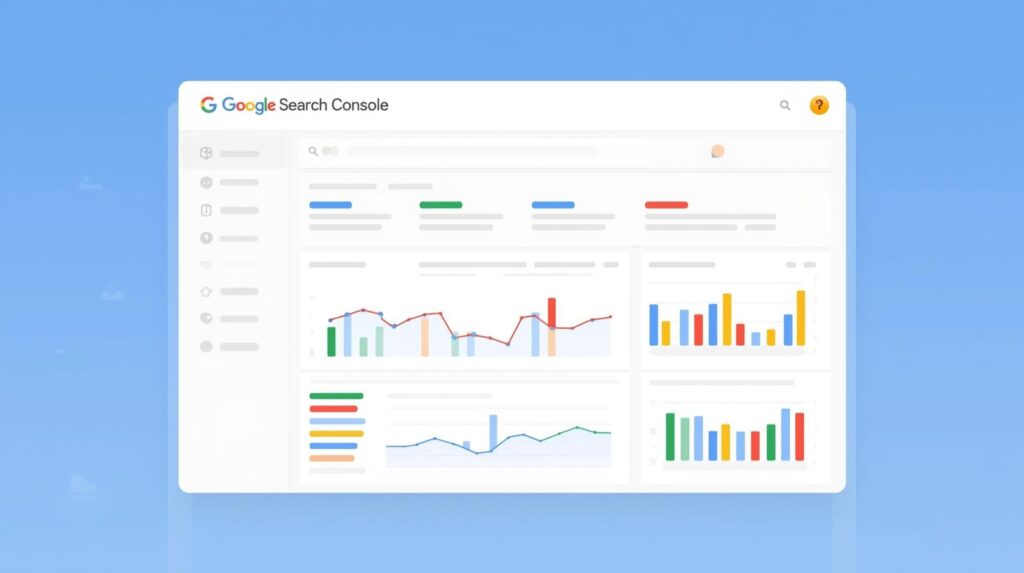
| Google Search Console | Free tool to monitor Google crawling and indexing |
| DeepCrawl | Enterprise-level site structure crawling |
🕸️ Web Scraping क्या है? (What is Web Scraping in Hindi)
Web Scraping और Web Crawling दोनों connected हैं, लेकिन अलग purpose serve करते हैं।
Crawling सिर्फ data discover करता है जबकि Scraping उस data को extract करता है।
- उदाहरण के लिए, अगर कोई company Amazon से product prices निकाल रही है, तो वो web scraping कर रही है। लेकिन अगर Google आपके product pages को visit कर रहा है ताकि उन्हें index कर सके, तो वो web crawling कर रहा है।
⚖️ Web Crawling और Web Scraping के Legal और Ethical issues
Web Crawling अपने आप में illegal नहीं है, लेकिन scraping के मामले में ethical boundaries होती हैं।
अगर कोई site का data बिना अनुमति scrape किया जाता है, तो वो Copyright Law का उल्लंघन हो सकता है।
इसलिए हर serious SEO expert या developer को “robots.txt” और “Terms of Service” को ध्यान में रखना चाहिए।
🧾 Copyright Laws और Scraping Restrictions
- हर website की एक terms page होती है जिसमें data usage policy दी होती है।
- कुछ sites “NoScrape” या “NoIndex” directives देती हैं।
- Search engines इन rules को respect करते हैं, जबकि unethical scrapers ignore करते हैं।
FAQ’s: Web Crawling in Hindi
👉 नहीं, केवल वही sites जो public हैं और robots.txt से allow की गई हैं।
👉 हाँ, Google Search Console में Crawl Rate को adjust किया जा सकता है।
👉 बिल्कुल, crawling के बिना indexing और ranking संभव नहीं है।
👉 अगर bots excessive load डालें तो site slow हो सकती है, इसलिए crawl budget balance रखना जरूरी है।
Conclusion – Web Crawling का SEO में महत्व
Web Crawling SEO का backbone है।
अगर आपका content crawl नहीं होता, तो वो कभी rank नहीं करेगा।
इसलिए हमेशा sitemap को updated रखें, internal linking strong रखें और robots.txt को सही configure करें।
Search engines को smooth access देने से आपका indexing speed, ranking potential, और organic visibility तीनों बढ़ते हैं।
👉 याद रखें —
“Google तभी आपको दिखाएगा जब वो आपको समझ पाएगा,
और वो आपको तभी समझेगा जब वो आपको crawl कर पाएगा।” 🚀

“मैं Aashish Singh, एक passionate content creator और digital entrepreneur हूँ। मुझे Blogging, SEO और Affiliate Marketing का real-time अनुभव है और मैं अपने ब्लॉग पर step-by-step tutorials, case studies और earning tips share करता हूँ। मेरा mission है कि हर beginner blogger online दुनिया में अपना career बना सके।”
Discover more from Akblogger
Subscribe to get the latest posts sent to your email.